
2,880 Saved Logins, One Infected PC: What Infostealers Take and How to Stop Them
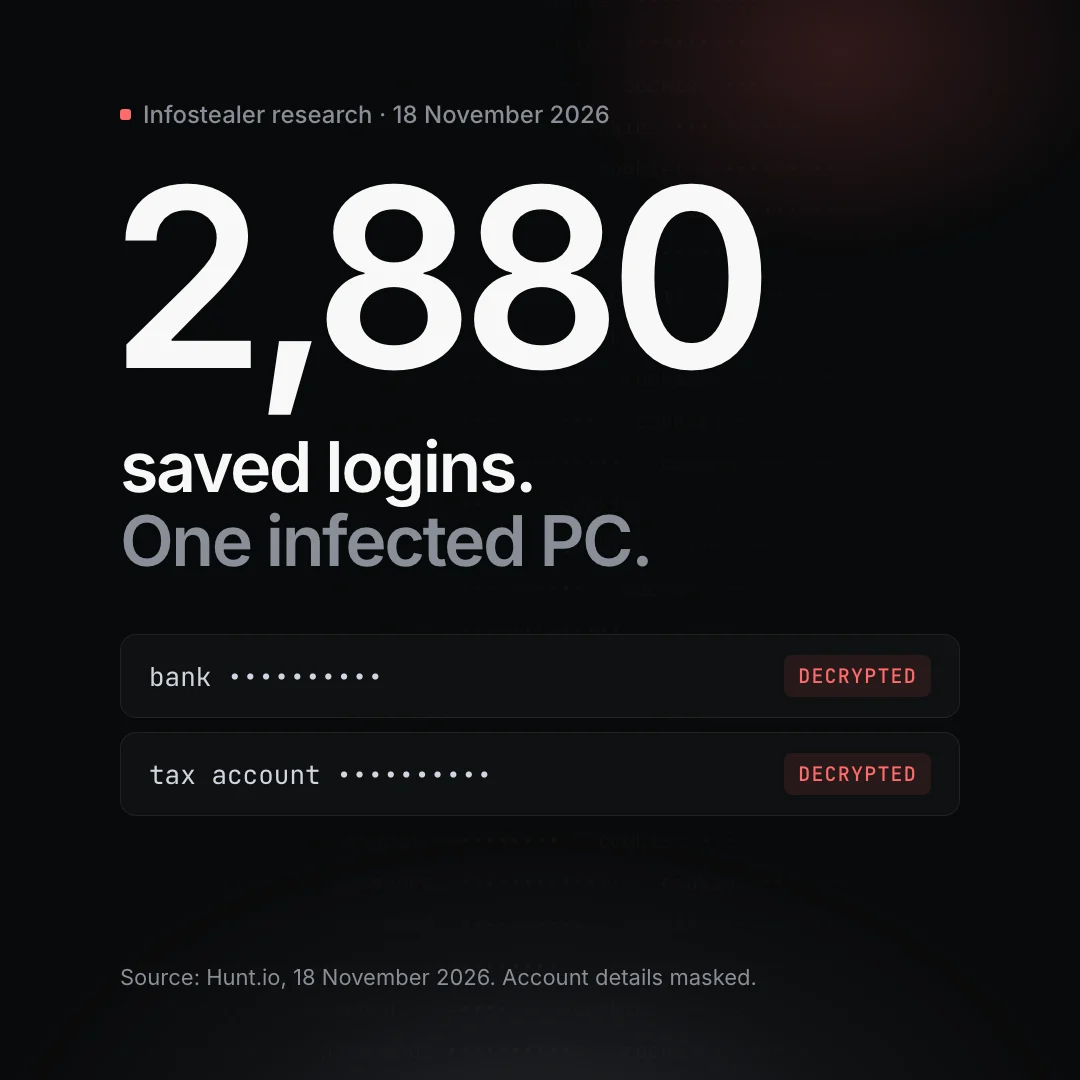
This week, threat-intelligence firm Hunt.io published research on a criminal server it found sitting open on the internet. It held data stolen from 603 infected Windows machines between 12 October and 8 November. From a single victim's computer, the operator had decrypted 2,880 saved logins, including bank and tax accounts.
No bank, tax office or government agency was breached. Everything came from people's own computers. That's what makes this kind of malware, known as an infostealer, so effective: it doesn't need to break into anything big. It just takes what your computer already remembers.
What the malware took
According to Hunt.io, the operation collected:
- Passwords saved in the browser. More than 3,300 decrypted Chrome and Edge logins from 16 victims. Hunt.io says the operator got around Chrome's newer protection for saved passwords.
- The cookies that keep you signed in. With those, the operator replayed sessions into two companies' Microsoft 365 accounts without triggering a fresh multi-factor prompt.
- Password manager data stored on the same computers. One victim's LastPass browser-extension data was decrypted, giving up 2,880 logins. Two 1Password master passwords were cracked offline, guessed from each victim's other stolen passwords. A KeePass database file was also copied.
- Crypto wallets and AI tool logins, plus remote-access software installed so the operator could get back in later.
At least 57 victims had US bank or government logins on their machines, and at least 46 had accounts for federal benefits or identity services. Hunt.io's report doesn't say how the computers were first infected.
Lesson 1: Your browser is not a password manager
Browsers make saving passwords effortless, which is exactly why infostealers go after them first. Anything that runs on your computer as you can usually reach what your browser has stored.
What to do: In Chrome and Edge settings, turn off the offer to save passwords. Move the passwords you already have into a dedicated password manager, then delete them from the browser. Do the same for saved cards and addresses.
Lesson 2: Your master password is the last wall
A stolen vault file is only as strong as the password protecting it. In this case, the operator built guess lists from each victim's other stolen passwords, so a master password that resembled them fell quickly.
What to do: Use a long passphrase for your password manager that you use nowhere else, and don't build it from your other passwords. Turn on every extra protection your manager offers, such as a secret key or a second factor for the account.
Lesson 3: Signed in isn't the same as safe
Multi-factor authentication protects the moment you sign in. A stolen session cookie skips that moment entirely, because the service thinks you're already signed in.
What to do: After any suspected infection, sign out of every session, not just the browser you're using: Google, Microsoft 365, banking and social accounts all have a "sign out everywhere" option. Use passkeys or security keys where you can. If you run Microsoft 365 or Google Workspace for a team, ask whoever manages it about rules that tie sessions to known devices.
Lesson 4: Where your vault lives matters
The vaults in this case sat on the same Windows PCs as the malware. Encryption helps, but once malware is running on a machine, everything stored there is within reach.
What to do: Keep computers patched and protected with endpoint security. Don't keep every secret, from passwords to 2FA codes, on the computer you browse and download on. If a machine might be infected, change your passwords from a different, clean device, starting with email and banking, and check for remote-access software you didn't install.
If you think a computer is infected
- Disconnect it from the network and stop using it for anything sensitive.
- From a clean device, change the passwords for email, banking and your password manager first.
- Sign out of all sessions and review recent sign-ins and connected apps.
- Get the machine checked or rebuilt before trusting it again.
If you'd like help working out what was exposed, or putting these steps in place across your business, talk to us.